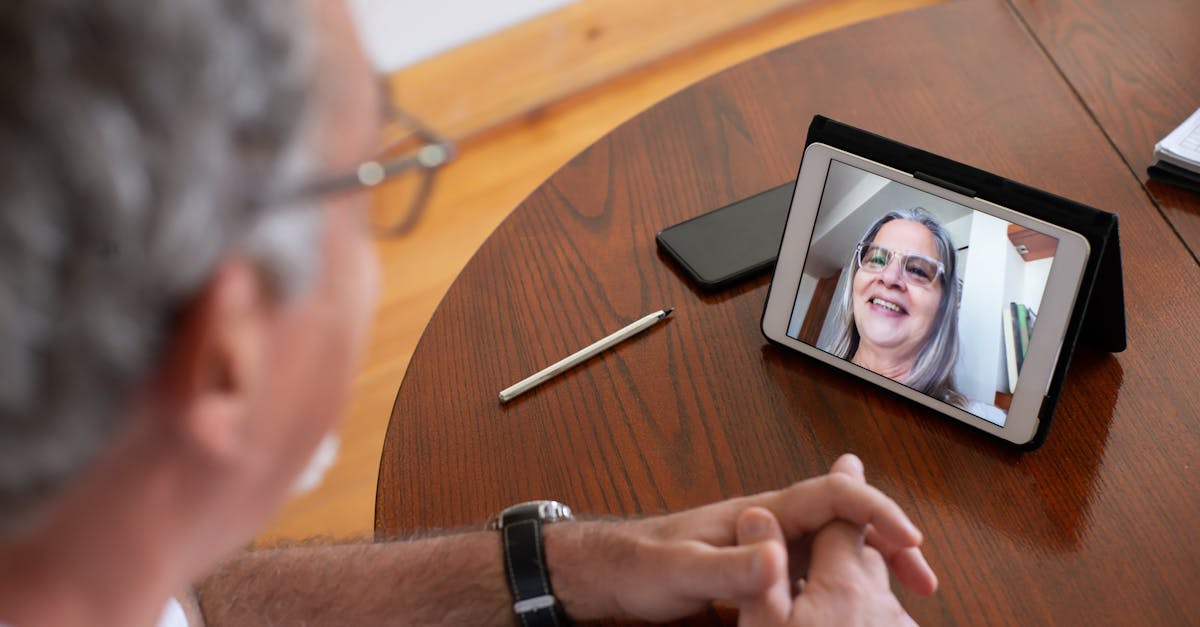
A video analysis app is a phone or laptop tool that slows a clip down, lets you draw on it, and (if you pay) puts that clip next to a previous swing or a reference model. It does not replace a coach. It does not need a $400 team-film seat for a 9-year-old who will watch one clip.
Hudl Technique is gone. Hudl sold that app to OnForm and discontinued it on 1 September 2021. App Store leftovers, old “Coach’s Eye / Technique is free” listicles, and Amazon tripod bundles that still print that name are listing-check fails. OnForm is the paid successor (14-day trial, then a coach or athlete subscription). Kinovea is the honest $0 desktop option. A delayed-playback app is the honest solo-practice option.
This is desk research: vendor pages, the 2021 Technique shutdown, and the complaints parents repeat (storage, subscription after a trial, coaches who do not want a clip dump). Not a lab test and not a star rating.
Team logistics (calendar, RSVP) live on youth sports team apps. Live scoring is scorekeeping apps. The camera, if you need one, is youth game film cameras or streaming / game-film tech.
Listing check: “video analysis app” and “sports slow motion coaching” results mix OnForm, Dartfish Express, a Coach’s Eye name that is no longer the TechSmith product, leftover Hudl Technique mentions, generic 240 fps camera apps, and Hudl team film. Confirm (1) the app still installs in 2026, (2) you are not buying a Hudl season plan when you wanted a swing-draw tool, and (3) a $25 “coaching kit” on Amazon is a tripod + clamp, not software. Street prices move; treat any monthly number here as a listing check, not a lock.
Who should use this — and who should skip
Parents. A phone at 60 fps, a cheap tripod, and one app (or Kinovea on a laptop) is enough for form checks at home. Share a 15–30 second clip with one question. Do not send the coach a 45-minute game.
Coaches. OnForm or Hudl is a station: record, draw, assign. Buy a coach plan if athletes will actually open the clips. A shared Kinovea laptop on the cart works for a rec clinic that will not pay per seat.
Skip first. Skip paid analysis for ages ~6–8. They need reps and encouragement, not elbow-angle overlays. Skip Hudl team film if you wanted Technique-style drawing on a driveway clip. Skip OnForm’s coach tiers if nobody will record more than a handful of swings a month — the 14-day trial will tell you. Skip 4K/60 “because the listing said cinema” when 1080p/60 already fills the frame.
The jobs (do not mix them)
| Job | Tool | Not this |
|---|---|---|
| Slow a swing, draw a line, compare to last month | OnForm, Kinovea, Dartfish Express | A team Hudl library |
| Immediate “watch yourself” after a rep | Delayed-playback / video-delay app | Cloud coaching software |
| Full-game tags, playlists, opponent scout | Hudl (team) | A parent analysis app |
| Capture the game | Phone, Mevo, GoPro, Veo — see cameras | The analysis app itself |
Amazon and the App Store blur those four on purpose.
OnForm — the Technique successor (paid after a trial)
OnForm bought Hudl Technique and is the current drawing / side-by-side / voice-over app most coaches land on. OnForm’s pricing page lists a 14-day trial (no card), then coach plans and athlete plans. Coach Basic is the “smaller roster, capped library and voice-overs” tier; Standard and Pro add unlimited video, multi-cam, and academy tools. Athletes connected to a paying coach can stay free on the Basic athlete tier. Dollar amounts on that page move; the September 2026 public matrix showed Coach Basic around $20/month or ~$200/year and Coach Standard around $40/month or ~$400/year. Confirm on OnForm pricing before you budget a season.
Buy it when a coach or a serious teen will record weekly and use drawings. Golf, baseball, softball, and tennis families are the usual fit.
Skip it when you only needed delayed playback on the driveway, or the athlete will not open a single shared clip. After the trial, OnForm still lets you see old videos if you do not subscribe — you just stop recording new ones. That is the honest stop point, not a surprise charge for a “free Technique replacement.”
Kinovea — free desktop, no App Store theater
Kinovea is open-source analysis for Windows (and community builds elsewhere): slow motion, angles, tracking, side-by-side. It is not pretty. It does not auto-backup to a coach cloud. It also does not expire after 14 days.
Buy it when (cost: $0) a parent or coach has a laptop and will import phone clips.
Skip it when you need in-the-moment phone drawing on the field. That is OnForm or the camera roll plus iOS/Android slow-mo.
Delayed playback — solo practice without a rewind
Apps in the BaM Video Delay / “video delay camera” class show a live feed a few seconds behind so the athlete can finish a swing and immediately see it. Some are free; some are a few dollars one-time. Names and store listings churn.
Buy it when the drill is “ten swings, watch, ten more” and nobody wants to tap replay.
Skip it when you needed side-by-side vs a model swing. Delay apps do not replace OnForm or Kinovea.
Search phone tripod for sports if the phone is the camera. Confirm the listing is a tripod or clamp, not a $200 gimbal you did not mean to buy. A $20–40 tripod is the hardware that makes any of these apps usable. Phone storage is the other constraint — 1080p/60 is enough; 4K fills the device for no extra coaching value.
Dartfish and other coach-grade suites
Dartfish is the older pro/Olympic-adjacent suite: measurements, multi-angle, team sharing. Pricing is seat- and product-line-specific (Express vs desktop vs org). Treat “starts at $10/month” as a possible Express-class entry, then confirm on Dartfish’s current shop. It is a skip for a rec parent who wanted Technique-on-the-phone.
CoachNow-class communication apps mix video with team chat. Use them if the club already lives there. Do not add a fourth app on top of TeamSnap and GameChanger — that split is on team apps.
Hudl the team product — not a Technique replacement
Hudl (the film platform) is still the high-school locker room. It tags plays and shares playlists. It is the wrong cart for “is her elbow dropping on the toss.” If the program already pays for Hudl, use it. Do not buy a second analysis subscription until you know Hudl’s tools will not do the clip.
How to shoot a clip worth analyzing
- Tripod or a bag on a bench. Handheld shake wastes the slow-mo.
- Side angle for swings, throws, and running mechanics. Front angle for release point if that is the question.
- Full body in frame. Bleacher-wide shots cannot diagnose a hitch.
- Landscape. Portrait wastes the comparison pane.
- Practice reps beat game film for technique. Ten swings in a row. Not one at-bat.
- One question per clip when you share with a coach.
Lighting: do not shoot into the sun. Indoor gyms are fine if the player fills the frame.
Parent workflow that stays at $0–trial
- Record 60 fps (1080p) on the phone
- Trim to 15–30 seconds
- Analyze in Kinovea on a laptop, or in OnForm during the trial
- Keep one “this month” clip per skill; delete the rest
- Ask the coach before you start a weekly clip dump
That is enough for most families. Pair it with a hoop or a net only if the skill already has a home setup — basketball training equipment for driveway form, football training gear for a throw target, youth football training before a sensor ball.
Storage (the hidden cost)
A minute of 4K/60 is hundreds of megabytes. Film 1080p/60. Export the annotated clip, then delete the raw take. Cloud inside OnForm or Hudl is a subscription feature, not a right. Monthly “export and wipe the camera roll” is the rec-family habit that keeps the phone usable.
College recruiting folders are for high-school athletes who already have a program asking for film. Organize by season and date if that day is real. Do not build a recruiting archive for a U8 rec player.
Frequently Asked Questions
Is there still a good free video analysis app?
Kinovea on a computer is the durable free option. Phone “free” apps are usually a trial or a leftover name. Hudl Technique is not coming back.
Should we pay for OnForm or Hudl?
OnForm if the job is technique drawing and athlete sharing. Hudl if the job is team game film the program already runs. Rec families can stay on the phone + Kinovea and a tripod.
What about Coach’s Eye?
TechSmith retired Coach’s Eye in 2022. A later app reused the name under different ownership. Do not assume an old review still describes the store listing. Check the publisher name and the last update date.
How young is too young for frame-by-frame review?
Under about 10, most kids cannot implement a drawing on a screen. Film for fun and for the coach, not for a weekly biomechanics meeting.
Related
How we evaluate: We combine manufacturer documentation, independent user feedback, and parent-focused criteria like safety, durability, ease of use, and long-term value.
Accuracy note: Pricing and product availability can change. Verify details on the retailer site before purchase.
Affiliate Disclosure: Sports Gadget Review is a participant in the Amazon Services LLC Associates Program. When you purchase through links on this page, we may earn a commission at no extra cost to you. Editorial recommendations are made independently.